
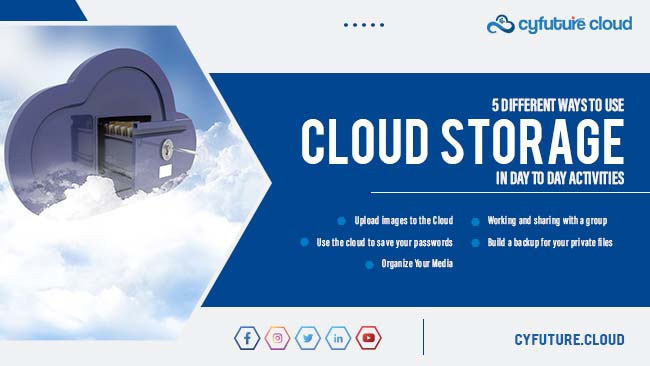
In today’s digital era, managing and accessing files efficiently is crucial, whether for work, study, or personal use. Cloud storage offers a convenient solution, allowing you to store files online and access them from anywhere with an internet connection. Here are five effective ways to use cloud storage for easy file access.
1. Centralize Your Documents
Cloud storage platforms like Google Drive, Dropbox, and Microsoft OneDrive allow you to centralize all your important documents in one place. By uploading files to the cloud, you eliminate the need to carry physical storage devices like USB drives. This not only declutters your workspace but also ensures that you can access your documents from any device, whether it’s your computer, smartphone, or tablet. Centralizing your documents in the cloud also makes it easier to organize and search for files.
2. Collaborate in Real-Time
Cloud storage is a game-changer for collaboration, especially for remote teams or projects involving multiple contributors. Platforms like Google Drive and OneDrive offer real-time collaboration features, allowing multiple users to edit documents, spreadsheets, and presentations simultaneously. Changes are automatically saved, and users can leave comments or suggestions within the document. This seamless collaboration makes it easier to work together, even when team members are in different locations.
3. Automatic Backup and Sync
One of the greatest advantages of cloud storage is the ability to automatically back up and sync your files across devices. Services like iCloud and Dropbox offer automatic syncing, meaning any changes you make to a file on one device are instantly reflected across all your connected devices. This feature provides peace of mind, knowing that your important files are backed up and always up-to-date, even if you lose your device or it gets damaged.
4. Access Files Offline
While cloud storage is inherently dependent on internet access, many platforms offer offline access to your files. For example, Google Drive and OneDrive allow you to mark specific files or folders for offline use, so you can access and edit them even without an internet connection. Once you’re back online, any changes you’ve made will automatically sync. This is particularly useful for frequent travelers or those who need to work in areas with unreliable internet connections.
5. Share Files Easily
Sharing files through cloud storage is simple and secure. Instead of emailing large attachments, you can share a link to the file or folder stored in the cloud. This method not only saves email storage space but also ensures that the recipient always has access to the most recent version of the file. Platforms like Dropbox and Google Drive offer advanced sharing settings, where you can control who has access and whether they can view or edit the files. This feature is especially handy for sharing large files or collaborating with clients and colleagues.
Conclusion
Cloud storage is a versatile tool that offers numerous benefits for managing and accessing files. By centralizing your documents, enabling real-time collaboration, utilizing automatic backup and sync, accessing files offline, and sharing files easily, you can streamline your workflow and ensure that your important files are always within reach. As cloud technology continues to evolve, mastering these features will help you stay organized and efficient in both your personal and professional life.