
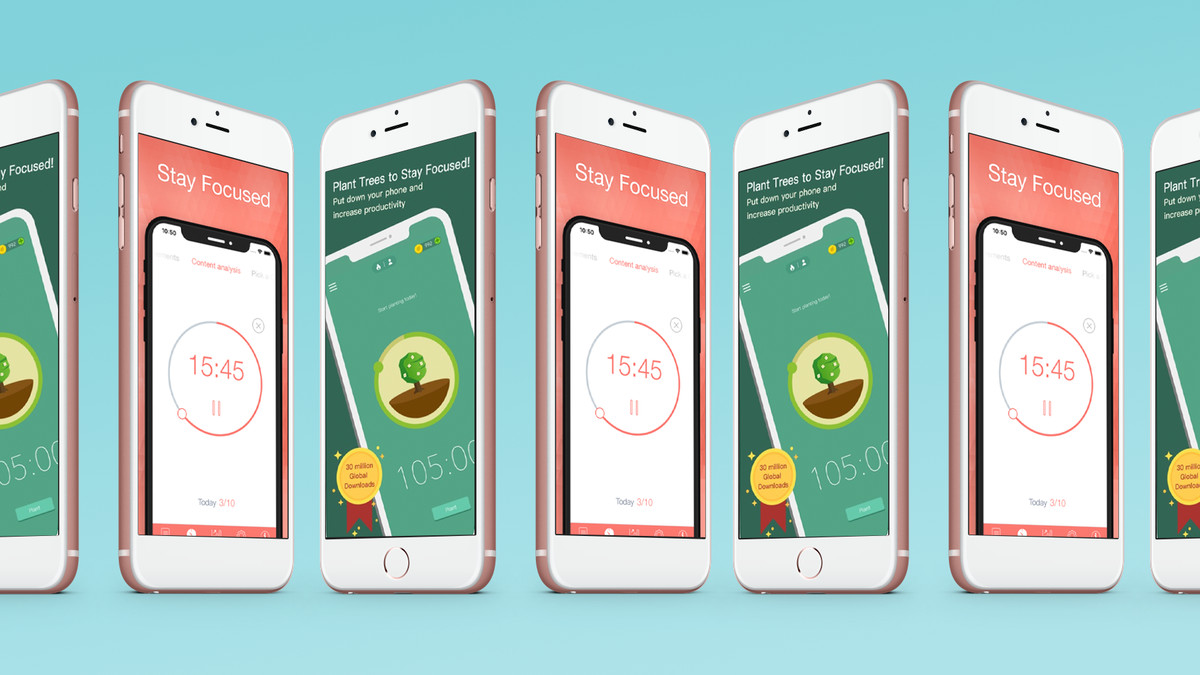
In our fast-paced, multitasking world, staying productive and organized can be a daunting challenge. However, with the right tools at your disposal, you can streamline your workflow, manage your time effectively, and stay on top of your tasks. Here are ten essential apps that can help boost your productivity and organization, whether you’re working from home, in the office, or on the go.
1.Trello
Trello is a versatile project management tool that uses boards, lists, and cards to help you organize tasks and projects.
Features:
Boards and Lists: Create boards for different projects and lists within those boards to track stages of progress.
Cards: Add cards for individual tasks, which can include checklists, due dates, attachments, and comments.
Collaboration: Share boards with team members, assign tasks, and collaborate in real-time.
Best For:
Project management, team collaboration, personal task organization.
2. Evernote
Evernote is a comprehensive note-taking app that helps you capture and organize ideas, tasks, and reminders.
Features:
Notes: Create text notes, to-do lists, and voice memos.
Notebooks: Organize notes into notebooks for different projects or categories.
Tags: Use tags to categorize and easily find notes.
Integration: Syncs across devices and integrates with apps like Google Drive and Slack.
Best For:
Note-taking, brainstorming, project planning, and information management.
3.Todoist
Todoist is a powerful task management app that helps you keep track of your daily to-do lists and long-term goals.
Features:
Task Lists: Create and manage tasks with due dates, priorities, and labels.
Projects: Group tasks into projects to organize different areas of your life.
Karma Points: Gain points for completing tasks to gamify your productivity.
Collaboration: Share projects and assign tasks to team members.
Best For:
Task management, personal productivity, team collaboration.
4. Microsoft OneNote
Microsoft OneNote is a digital notebook that allows you to capture and organize notes, drawings, and screen clippings.
Features:
Notebooks and Sections: Organize your notes into notebooks and sections.
Multimedia Notes: Include text, images, audio recordings, and sketches.
Sync and Share: Sync across devices and share notebooks with others for collaboration.
Integration: Integrates with other Microsoft Office apps.
Best For:
Note-taking, research, project management, academic work.
5. Asana
Overview:
Asana is a robust project management tool designed to help teams coordinate and manage their work.
Features:
Projects and Tasks: Create projects and break them down into tasks and subtasks.
Timelines: Visualize project timelines and track progress.
Custom Fields: Customize fields to fit your team’s specific needs.
Integration: Integrates with tools like Slack, Google Drive, and Microsoft Teams.
Best For:
Team collaboration, project management, workflow automation.
6. Google Keep
Google Keep is a simple yet effective note-taking app that integrates seamlessly with other Google services.
Features:
Notes and Lists: Create text notes, checklists, and voice memos.
Labels and Colors: Organize notes with labels and color-coding.
Reminders: Set time or location-based reminders for notes.
Collaboration: Share notes and collaborate in real-time.
Best For:
Quick note-taking, reminders, idea capture, integration with Google ecosystem.
7. Notion
Notion is an all-in-one workspace that combines notes, tasks, databases, and calendars in one app.
Features:
Customizable Pages: Create and customize pages for different types of content.
Databases: Build databases for tasks, projects, and content management.
Templates: Use templates for project management, note-taking, and more.
Collaboration: Share pages and databases with team members and collaborate in real-time.
Best For:
Project management, knowledge management, personal organization.
7. RescueTime
RescueTime is a time management app that helps you understand how you spend your time on digital devices.
Features:
Automatic Tracking: Automatically tracks time spent on applications and websites.
Reports and Insights: Provides detailed reports and insights into your productivity habits.
Goals and Alerts: Set goals for productivity and receive alerts when you’re off track.
Focus Time: Block distracting websites to stay focused.
Best For:
Time tracking, productivity analysis, focus management.
9. Slack
Slack is a communication and collaboration platform that simplifies team communication and enhances productivity.
Features:
Channels: Create channels for different projects, teams, or topics.
Direct Messages: Send direct messages to individuals or groups.
Integrations: Integrates with a wide range of tools like Google Drive, Trello, and Zoom.
Searchable Archives: Easily search through past messages and files.
Best For:
Team communication, remote work, project collaboration.
10. Focus@Will
Focus@Will is a music streaming service designed to improve concentration and productivity through scientifically optimized music.
Features:
Music Channels: Choose from various music channels tailored to different types of work and concentration needs.
Timed Sessions: Set timed sessions to manage work periods and breaks.
Productivity Tracking: Track your productivity and session history.
Personalization: Adjust the music to match your focus needs.
Best For:
Improving focus, managing work sessions, reducing distractions.
Conclusion
Staying productive and organized requires the right set of tools tailored to your specific needs. Whether you need a robust project management tool, a simple note-taking app, or a music service to enhance your focus, these ten essential apps offer a wide range of features to help you streamline your workflow, manage your time effectively, and stay organized. By integrating these apps into your daily routine, you can boost your productivity and achieve your goals more efficiently.